
Cork7 not loading? Start here.
Try Reload game if the first download stalls. Use a current browser with WebGL 2 and hardware acceleration. For low frame rates, switch Graphics to Performance.
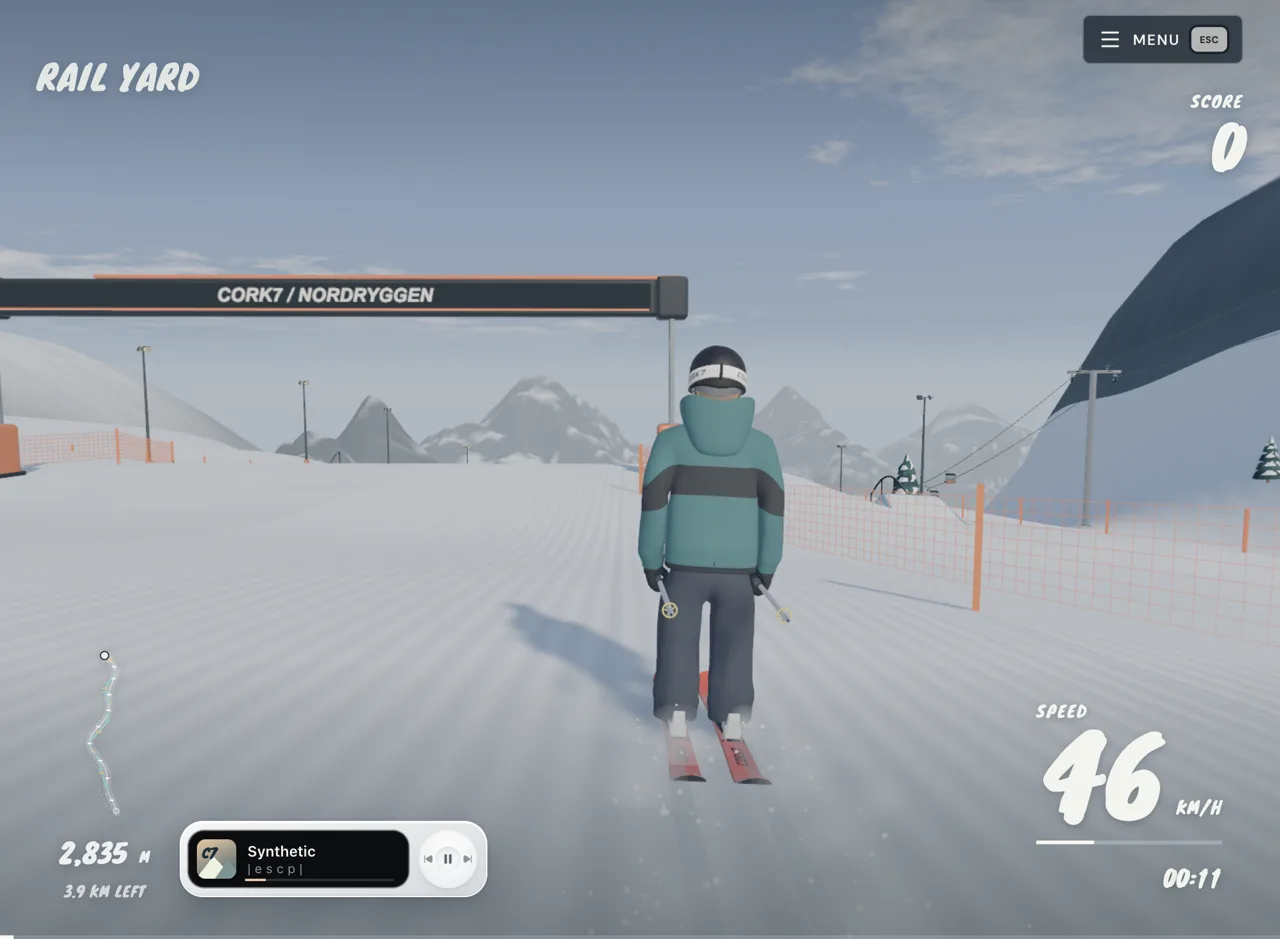
Pick the symptom first
| What you see | First action |
|---|---|
| The game has not opened | Wait for the embedded game menu; it loads automatically on the homepage |
| Download or loading screen stops | Use the game's Reload game control |
| Black or empty game area | Check browser WebGL 2 support and hardware acceleration |
| The game works but stutters | Settings > Graphics > Performance |
| Keys scroll the page | Click inside the game before using the controls |
| Controller is missing | Press a controller button with the game open |
| Embedded view is cramped or fails | Use Open game to try the standalone player |
Loading the webpage and loading the 3D game are separate steps. The homepage starts downloading game assets automatically; a visible frame does not by itself prove the game is ready. Wait for the game's own menu before pressing riding keys.
Loading and a black screen
Use an up-to-date browser. Cork7 requires WebGL 2, and the official guide recommends hardware acceleration. On a managed computer that setting may be controlled by an administrator; another browser cannot guarantee a device policy will change.
If the initial download stalls, use Reload game on the loading screen. If the embedded player still fails, use the standalone game link beside Fullscreen. This helps distinguish a problem with the embedded view from a game or device issue. It does not repair a blocked network or promise that multiplayer will connect.
Do not begin by clearing all browser data. The game stores replays and other local data in the browser, and a destructive reset can remove them. Try reload, browser updates and graphics settings first.
Low frame rates
Open Settings, find Graphics and choose Performance. This is the official first adjustment for a slow device. Close other demanding applications if they are competing for the same hardware, and compare the same section of a run again rather than judging from two different scenes.
Touch controls exist, but that does not mean every phone has enough graphics performance for the same experience. The official guide recommends a desktop or laptop keyboard. Use landscape orientation or open the game separately if the embedded window makes touch controls difficult to reach.
A connected controller does nothing
Plug in the controller or pair it over Bluetooth, then press a button with the game open. Browsers may wait for that input before exposing the controller. Click inside the game and press again if it remains absent.
If Steam is running, close it temporarily: the official guide identifies Steam controller settings as a possible input conflict. Then check Settings > Controls. See the controller mapping before assuming a different button label is a hardware fault.
Saves, replays and different domains
Cork7's privacy information describes local browser storage. Clearing site data or switching browsers/devices can lose access to local runs. The independently hosted copy opens from s.nisu.io, so do not assume local saves from cork7.com appear here, or that progress moves between these origins automatically.
If you can still open a replay, export a clip before clearing storage. Our site does not provide a save-transfer or recovery service. Its guides do not need an account.
Multiplayer, login and POW
The game copy retains connections to official services. Solo riding has been tested; multiplayer, account login and payments have not been verified here. A failed online action is not evidence that your solo download is broken. Use the official game for current online features, account help and purchases.
Is this an “unblocked” Cork7 site?
It is a browser game entry point, but access depends on your network and device policies. We cannot promise that it works on a school or workplace network. If the site or required services are restricted, use an allowed device/network or ask the administrator. The play page offers the same hosted game; there is no separate bypass version.