
Cork7 controls
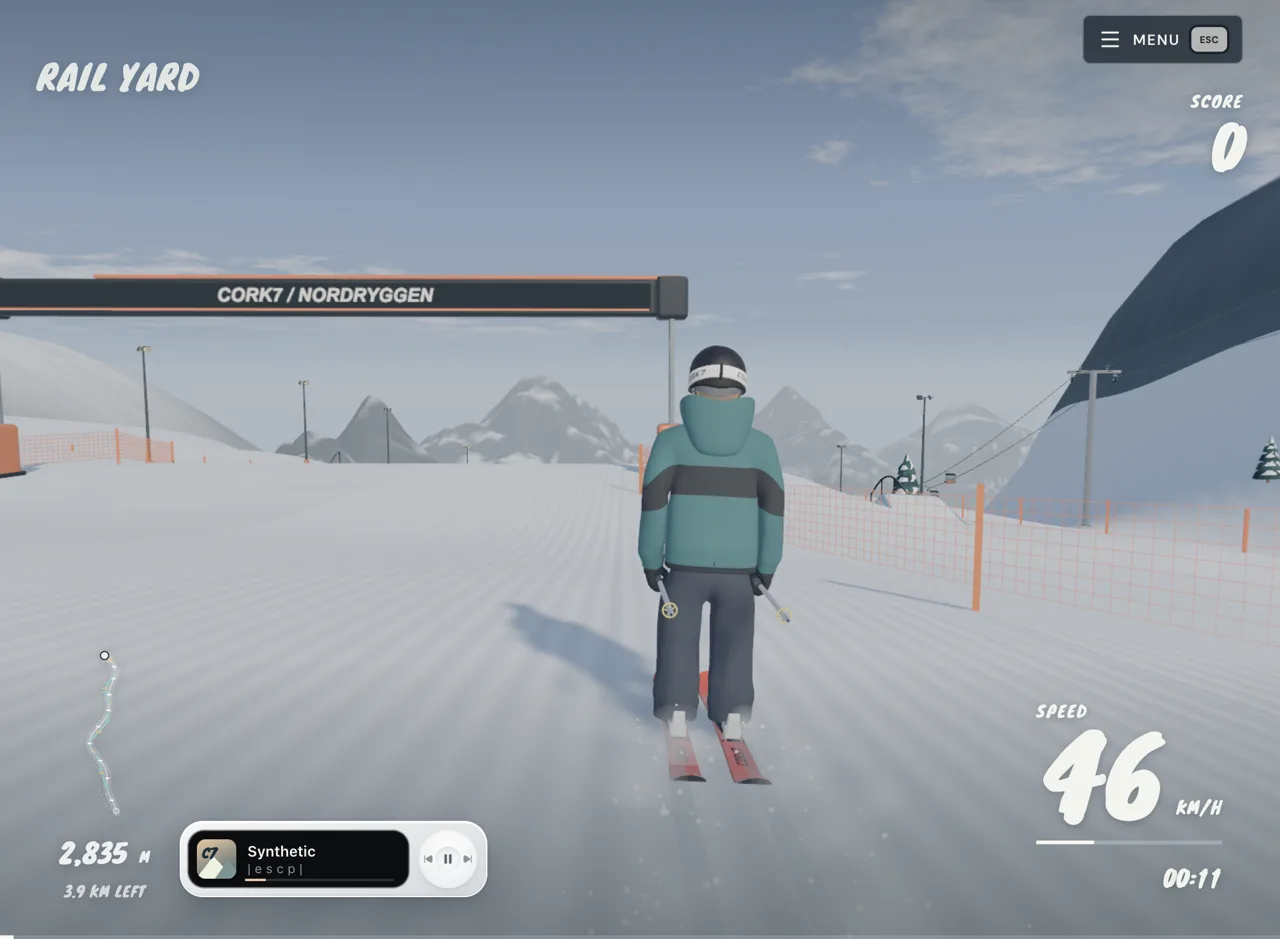
A/D steers and spins. Hold Space to load a jump, then release. In the air, S adds a backflip; Shift grabs. Click the game once so it receives your keys.
Keyboard: the essentials
These are the default inputs documented by Cork7. If yours behave differently, check Settings > Controls for a remapped key. The embedded copy and the current official game can differ after an update.
| Input | On snow | In the air / other use |
|---|---|---|
| A / D | Turn left / right | Spin |
| W | Pole or tuck for speed | Frontflip |
| S | Brake | Backflip |
| Space | Hold to load; release to pop | Pop off a rail |
| Shift | — | Mute grab |
| Q / E | — | Tail / Japan grab |
| Left / right arrow | — | Air roll |
| Up arrow + spin + flip | — | Rodeo with S; misty with W |
| Down arrow at takeoff | — | Chill: slower rotation for that air |
| B | Prepare a nose butter | Keep your air angle for contact |
| B + S | Prepare a tail butter | — |
| F | Skip the gondola | — |
| R, held for 2 seconds | Restart the run | Restart the run |
| Esc / P | Menu or pause | Esc backs out one menu level |
On a rail, A/D changes the slide and Space lets you pop away. The rail carries your momentum; braking is not a way to stop on it. See the first-run guide before combining several actions.
The trick combinations
A cork starts with A or D plus S, set together at the jump lip. Swap S for W for a bio. Combine a spin with a left/right arrow for a flatspin. Add the up arrow to spin and flip for a rodeo or misty. These are takeoff combinations, not buttons that award a named trick automatically: the game judges the movement you finish.
The official guide gives a 0.25-second takeoff window for combining spin and flip. Starting the spin late changes the flip's tilt instead. Learn the timing and landing cues before chasing extra rotations.
For chill, hold down arrow as you leave the lip. Pressing it halfway through the jump does not turn chill on. Release your grab before landing to open the rider back up.
Controller quick reference
Cork7 documents Xbox and PlayStation support over USB or Bluetooth. This table uses Xbox labels, as the official guide does; Settings > Controls shows the connected controller and lets you remap it.
| Xbox input | Action |
|---|---|
| Left stick | Turn |
| Right stick | Air roll |
| RT / RB | Tuck / frontflip |
| LT | Brake / backflip |
| Left-stick press | Butter |
| A | Jump / pop |
| LB | Mute grab |
| X / Y | Tail / Japan grab |
| B | Rodeo / misty |
| Right-stick press | Chill |
| Menu | Pause |
| View, held | Restart |
Connect the controller, open the game, then press one of its buttons. A browser may not expose it until that first press. If it still does not appear, click inside the game and try again; Steam can take over controller input, so close Steam as a diagnostic step. More loading and controller fixes are available if this does not help.
Replays, chat and touch
During a replay, Space toggles playback, the arrow keys seek and C changes the camera. These shortcuts have a different role from the riding controls, so exit replay before troubleshooting a steering key.
In the official multiplayer interface, T opens chat, Enter sends, Esc closes and holding Tab shows riders. Multiplayer has not been verified on this independently hosted copy.
Touch devices use the game's on-screen controls. A keyboard on a desktop or laptop is the official recommendation; touch performance depends on the device. If the embedded view feels cramped, use Open game beside Fullscreen to open it in its own tab.